
Objective
Complete the workflow using official provider interfaces while keeping credentials and secrets private.
Never send passwords, TOTP secrets, recovery codes or payment credentials to support.
Steps
- Step 1. Record the complete error message and time without sharing passwords or verification codes.
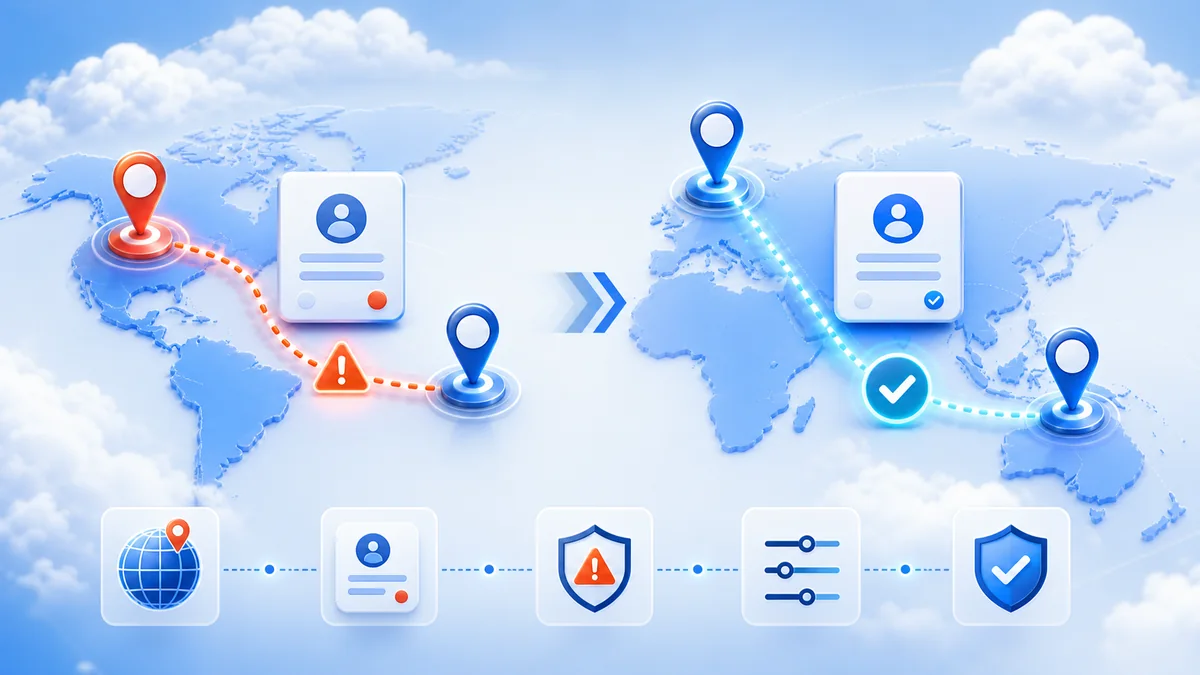
- Step 2. Confirm the product's supported country and compare it with the customer's account country.
- Step 3. Check the billing profile and application-store region where relevant.
- Step 4. Disable unsupported proxy or network-routing tools and reconnect through a normal local network.
- Step 5. Update the provider application and retry on a supported device.
- Step 6. Do not change account regions repeatedly because providers may limit how often this is allowed.
- Step 7. If the error remains, send support the product name, order reference, account country and non-sensitive screenshot.
Verify the result
Confirm the provider interface shows the expected active or completed status.