
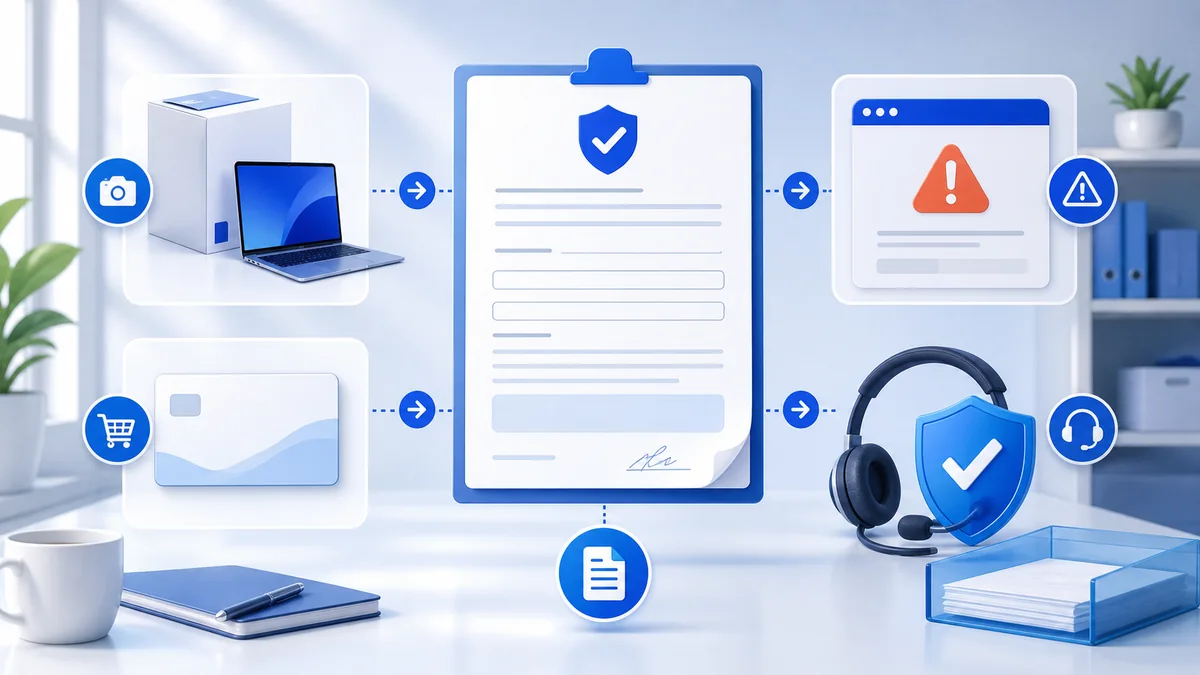
Objective
Complete the workflow using official provider interfaces while keeping credentials and secrets private.
Never send passwords, TOTP secrets, recovery codes or payment credentials to support.
Steps
- Step 1. Read the warranty terms attached to the order and confirm that the coverage period is still active.
- Step 2. Record the order reference, product, plan, region and date the issue started.
- Step 3. Copy the exact error text and capture a screenshot that contains no passwords, codes or payment information.
- Step 4. List the troubleshooting steps already completed through the provider's official interface.
- Step 5. Confirm whether the provider account, region or device changed after delivery.
- Step 6. Send the claim through the reseller's stated support channel.
- Step 7. Keep the case reference and wait for the documented review before attempting actions that could change the evidence.
Verify the result
Confirm the provider interface shows the expected active or completed status.